Automate Inspection Operations Using Field Inspection Mobile App
Collect Field Inspection Related Data Using Smartphones. Setup Workflows to Monitor and Handle Real-time Exceptions in Mission-Critical Data.
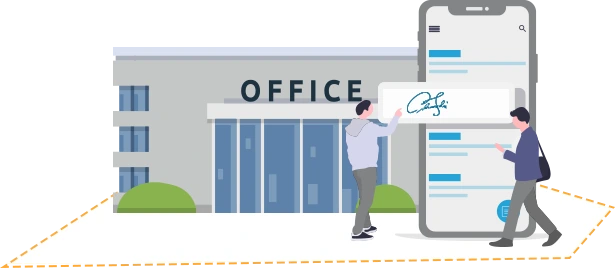
Collect Field Inspection Related Data Using Smartphones. Setup Workflows to Monitor and Handle Real-time Exceptions in Mission-Critical Data.
Eliminate paper from field inspections process. Turn field employees mobile phones into a smart data-collection tool. Use custom forms, pictures, signature, and QR/barcode scans using iPads, iPhones, and Android devices.
Add conditional logic for mission-critical data and automate workflow for any exceptions handling involving people, sites, sensors and time.
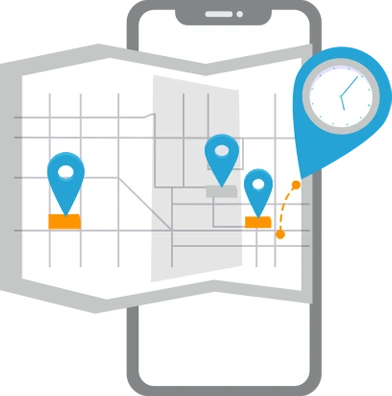
Create custom inspection forms with multiple fields, with custom types and validation. Dispatch forms to the phones in real time to field employees (or group).
Field employees can capture rich media data for inspections, such as photos and signatures, and attach them to any field activity. Every inspection data collected is stamped with location and time.
Use QR codes and Barcodes scan to track assets, tag activities to indoor location, track attendance and tasks. Validate scans and automatically escalate any exceptions.
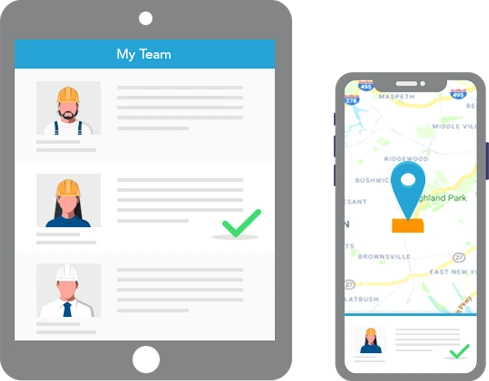
Field inspections app works on any smartphone. Utilize indoors & outdoors location data to geotag and validate inspections activities collected. Support any type of field inspections data including rich media – tasks pick-list, notes, signatures, photos, QR/barcode scans, and more.
Customize access based on org structure.
Add the context of time and location to any inspections activities (forms, pictures, signatures, notes). Set up rules to validate data and generate real-time exceptions. Connect these to back office operations using SMS, Email, IVR.
Create custom inspection forms in minutes and dispatch to field employees in real time. Customize roles and access permissions for employees (or groups).
Inspections manager can manage and monitor inspections activities in real-time via Mobile App. Can assign tasks and view completed inspection activities.
Enforce business-specific conditional logic for all mission-critical inspection data from the field. Automate exception handling and trigger alerts tailored to your field inspections operation’s needs.
For example, collect field inspection data from a plant floor. If boiler temperature in the plant is more than 50 degrees, send an immediate alert to back-office Operations Center.
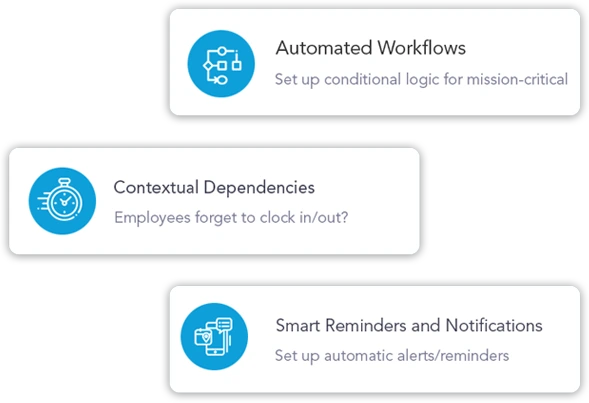
Set up conditional logic for mission-critical inspection data from the field. Automate exceptions handling by routing alerts to appropriate back office team or field managers.
Set up a customized time and location dependencies for inspections data collections. Trigger rules to generate exceptions alerts when violated.
Set up automatic alerts/reminders to users based on their work schedule and tasks. Example: remind a user if they leave the premise prior to filling out a Proof-of-Service form.
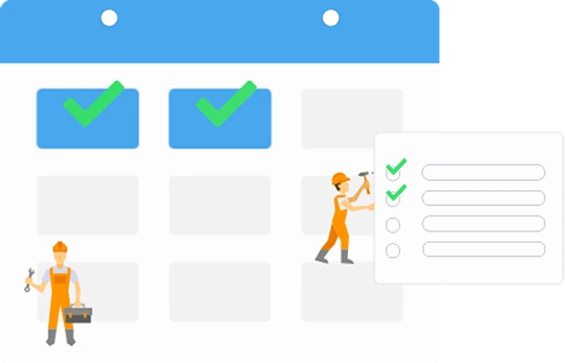
Set up custom work schedules for each employee (or group) based on their time zone. Assign “tasks”, and “jobs” (worksites).
Create custom “work rules” for each employee (or group) to automate schedule and dispatch based on the field inspection activity (or inactivity).
Assign “customers”, “jobs”, and “tasks” for employees based on their inspection schedule. Inspection employees can view assignments via the app and mark status in real time.
Inspection employees can view the best route and access directions help for their assignments via the app. The system automatically computes mileage.
Automate inspection job dispatch based on work rules and schedule. Send notifications and reminders via text message, custom voice call (IVR), or app notifications.
Time & attendance needs to handle complex payroll calculations (e.g. variable pay rates) and eliminate the manual and time consuming process of reconciling time-logs from the field for payroll processing.
Basic time tracking solutions are unable to handle the complex jobs tracking & payroll requirements of mid-size and enterprise businesses. First, highly accurate time tracking prevents payroll teams from having to manually fix and update errors in time sheets. Second, the time tracking system integrates with any payroll system so that employee hours & mileage can be synced without any manual process. And third, businesses can define and apply complex rules to handle varying pay rates for employees and for jobs so that payroll processing is faster and easier.






Continuous security monitoring powered by secureframe

|
This email address is being protected from spambots. You need JavaScript enabled to view it. |
|
|
|

|
+1-(415) 496-9436 |

|
Chat |


Copyright © 2 Abaqus Inc.
